

"*" indicates required fields
Is your website secure? Switch from HTTP to HTTPS
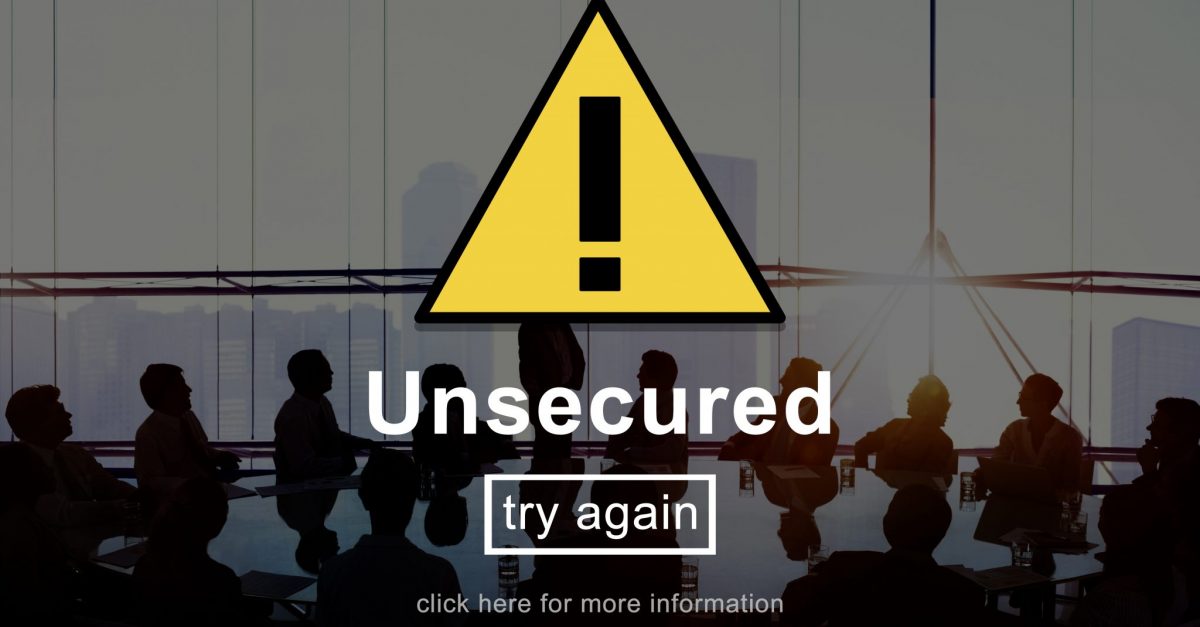
Switch to HTTPS!
We can deal with all the technical knowledge and complete the switch from HTTP to HTTPS for you.
Make the SwitchYou may have heard that starting July 2018, Google gives priority to websites that are “secure” using the HTTPS protocol over those who are not.
Hyper Text Transfer Protocol Secure (HTTPS) is the secure version of HTTP, the protocol over which data is sent between your browser and the website that you are connected to. The ‘S’ at the end of HTTPS stands for ‘Secure’. It means all communications between your browser and the website are encrypted.
Why should you care? Here are three reasons why.
Three reasons why you want to change from HTTP to HTTPS
1. Google is ranking HTTPS sites higher than non-HTTPS sites:
HTTPS unlocks both performance improvements and powerful new features that are too sensitive for HTTP. It has been a confirmed Google ranking factor since 2014. If you do not use HTTPS, your website credibility and search engine rankings may be affected.

Boost your online presence with our help
- Web design and development
- SEO and PPC
- Social media strategy
- AI technology
2. It looks bad and unsecure for your users; it scares them
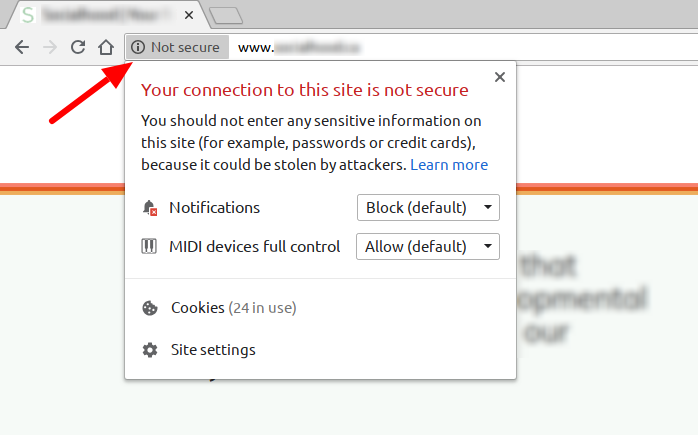
Chrome’s new interface will help users understand that all HTTP sites are not secure. By showing them a “non secure” pop up sign like the one above. This doesn’t create a good user experience and makes people want to get off your website ASAP.
3. Your website will be secure: information passed along via webforms can’t be intercepted
Secure connections are considered a necessary measure to decrease the risk of users being vulnerable to content injection. Data is kept secure from third parties, and users can be more confident they are communicating with the correct website.
How to know if your website is using HTTP
Simply type your website in the search bar and check whether it says “Non-secure” in the address bar like in the picture above.
How so I change from HTTP to HTTPS?
You can enable and activate HTTPS for your website using a free certificate by following these steps. It requires some technical knowledge and administrative access to your site. If you prefer, we can download the certificate for you and complete the setup in 1.5 hours ($150 +tax).
Related posts




Book a free consult to discuss your goals
[contact-form-7 id="a62b81c" title="Request a Free Consult"]
Swipe up for expert help!