


AI-Assisted Inbox Triaging
Stop managing your inbox one email at a time
A busy inbox creates hundreds of tiny decisions. Is this important? Do I need to respond? Can it wait? And somewhere among the newsletters and notifications may be an email you really cannot afford to miss.
Our AI-assisted inbox triaging workflow continuously organizes incoming email, so you stop scanning everything and start working through your inbox in clear, manageable groups.
Less scanning. Less switching. More focus on the messages that actually need you.
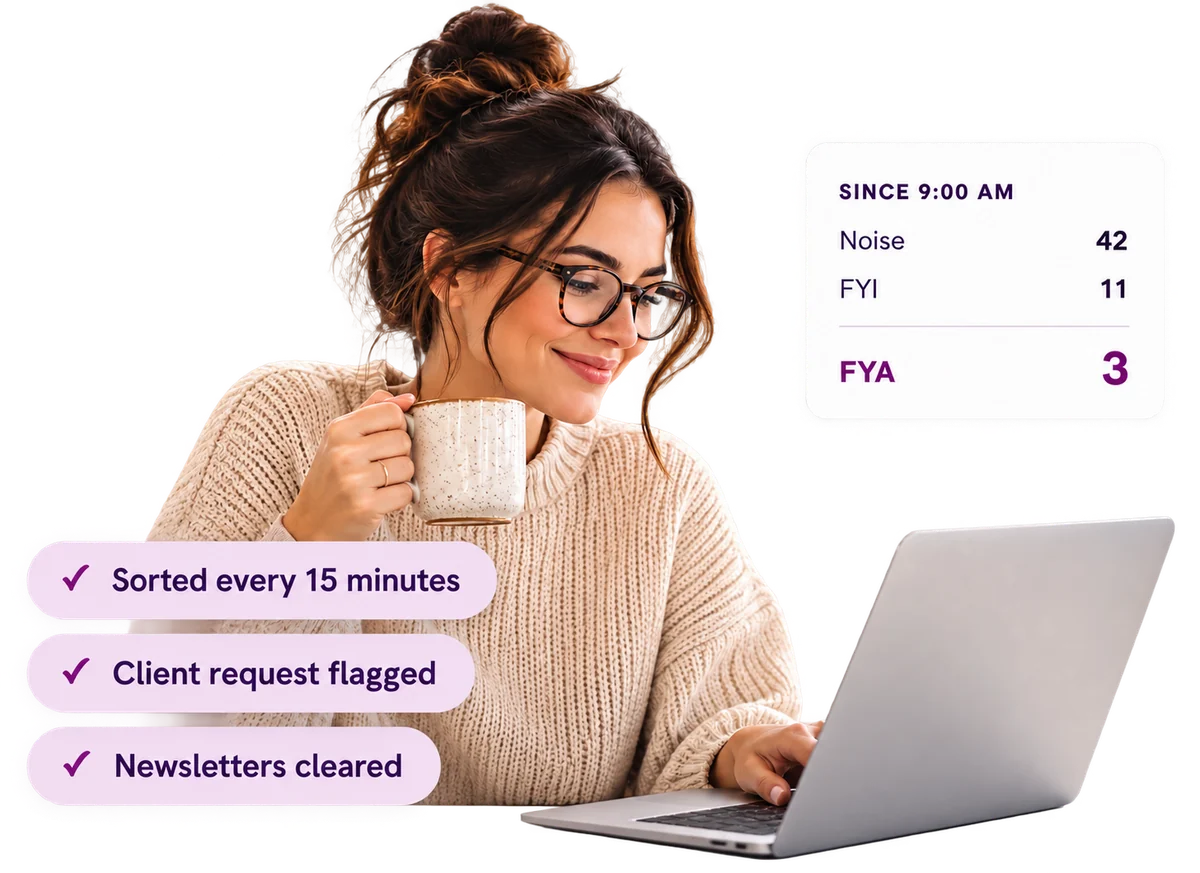
Your inbox should tell you where to focus
Traditional email puts almost everything in the same place. A newsletter sits beside an important client request. A system notification sits beside a message from your team.
You are left to scan continuously and decide what everything means, which creates interruptions, context switching, and the nagging feeling that something important is buried. Our workflow does that first level of triage for you.
How it works
Incoming email is reviewed and organized throughout the day. The workflow combines automated code, AI assistance and a structured approach to processing email. In our current implementation the process runs every 15 minutes, sorting messages into groups such as:
Instead of switching repeatedly between unrelated types of email, you work through one category at a time. Review the Noise. Read the FYIs. Then give your full attention to the FYAs.
Reduce the cognitive load of email
The biggest benefit is not simply saving minutes. It is reducing the mental switching email creates throughout the day.
When every message requires a different kind of thinking, your brain is constantly changing context. Processing similar messages together keeps you on one type of decision at a time.
Respond faster to what matters
- Fewer missed emails and faster responses
- Less time scanning the inbox
- Fewer unnecessary interruptions
- Less time organizing email by hand
- More confidence that important messages are not being buried
Your inbox also becomes easier to search and understand
The workflow can go beyond categorization. An AI agent can help you work with the knowledge already contained inside your inbox, instead of manually searching through threads.
You might ask:
- What am I still waiting for a response on?
- What did this client say about the budget?
- Which emails need my attention today?
- Summarize the recent conversation with this person.
- Help me find the email where we discussed that decision.
Built around your inbox, not ours
What counts as important to a CEO is different from what matters to an Executive Director, a salesperson or a project manager. We configure the workflow around your:
- Role and priorities
- Important people and organizations
- Email habits and your own categories
- Communication style and working preferences
AI-assisted, not AI-controlled
We deliberately call this an AI-assisted inbox triaging workflow. It is not simply an AI inbox tool.
The solution combines automation, custom code, AI assistance and a practical way of working. AI helps with the heavy lifting, automation keeps the process running, and you remain in control of the inbox, the decisions and the communication.
Who is it for?
Particularly useful for people who rely heavily on email and receive enough volume that staying on top of it has become part of the job.
- Executive Directors
- CEOs and founders
- Directors and managers
- Business owners
- Anyone who cannot afford to miss important messages
Imagine opening your inbox and knowing where to start
Not everything deserves your attention, and not everything deserves the same amount of attention. You should not have to read every email just to figure that out.
We can build an inbox workflow that continuously organizes incoming email around the way you work. Spend less time managing email and more time acting on what matters.
